Kling Motion Control presets just got an upgrade — smoother orbit motion, cleaner parallax motion, and sharper 4K video export. Explore new motion presets
Cinematic Camera Motion,
Directed by Kling Motion Control
Kling Motion Control turns a single still into a directed camera shot. Apply dolly, orbit, crane, and parallax motion with Kling — no 3D scenes or rigs, just full camera motion control. Animate any character or product still into a finished video and export up to 4K.
Kling Motion Control Studio
Live previewNo signup needed to preview Kling Motion Control · Browse the full motion preset library →
Kling Motion Control is an independent platform for accessing AI camera motion models through its own interface. It is not affiliated with Kuaishou or the official Kling AI product.
Build a Kling Motion Control shot before you commit.
Drop in a still, choose a camera motion preset, set the motion output, and preview how Kling Motion Control directs the camera motion across the frame.
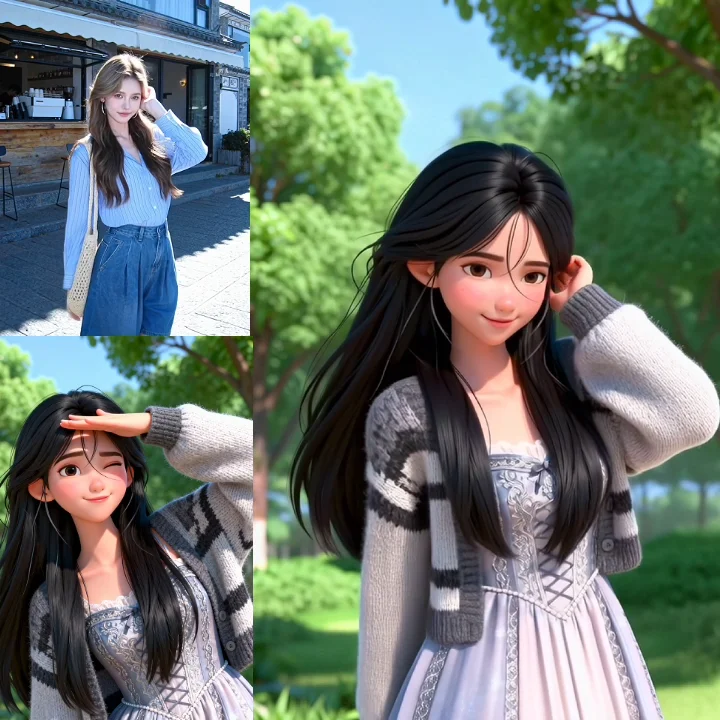
Your AI Kling Motion Control Camera Crew
Kling Motion Control generates complex camera motion from a simple prompt or a library of motion presets, then renders your character into finished videos. Achieve professional motion control results in minutes, not days.
Preset Motion Library
Kling Motion Control gives you a growing library of classic camera moves — subtle push-ins, dramatic crane reveals, and graceful orbit shots. Apply Kling to any still and the motion renders instantly with predictable, high-quality control.
- 1
Cinematic Motion Techniques: Select from dozens of presets inspired by iconic film shots.
- 2
Custom Motion Paths: Describe camera motion in natural language and Kling generates a unique path.
- 3
Fine-Tune Control: Adjust motion speed, easing, and framing for full control of every shot.
Choose the Kling Motion Control move before you write the prompt.
Preview each Kling Motion Control move by visual intent, then save your favorite presets to a shot list.
Dolly Toward Character
Preview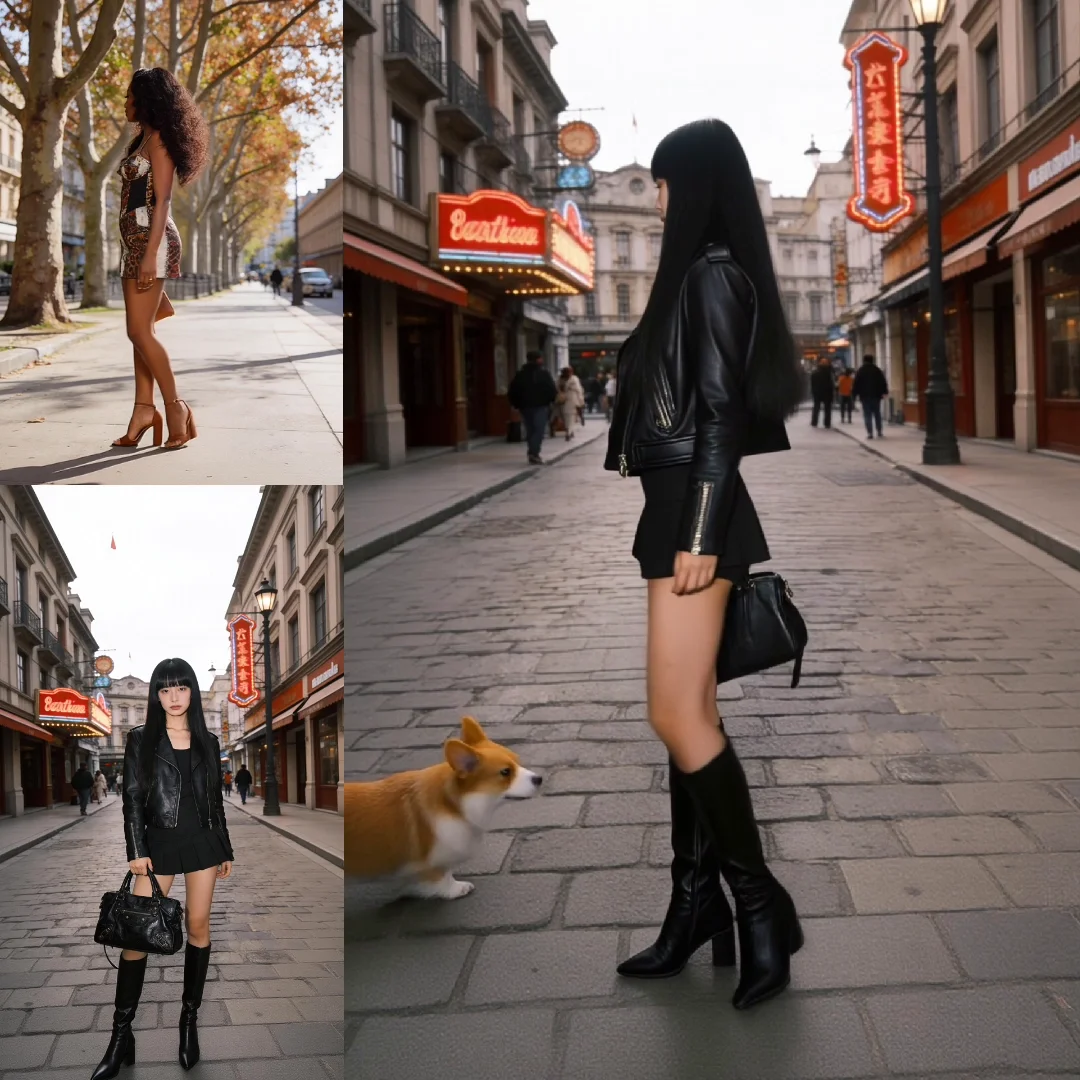
Overhead Crane
Preview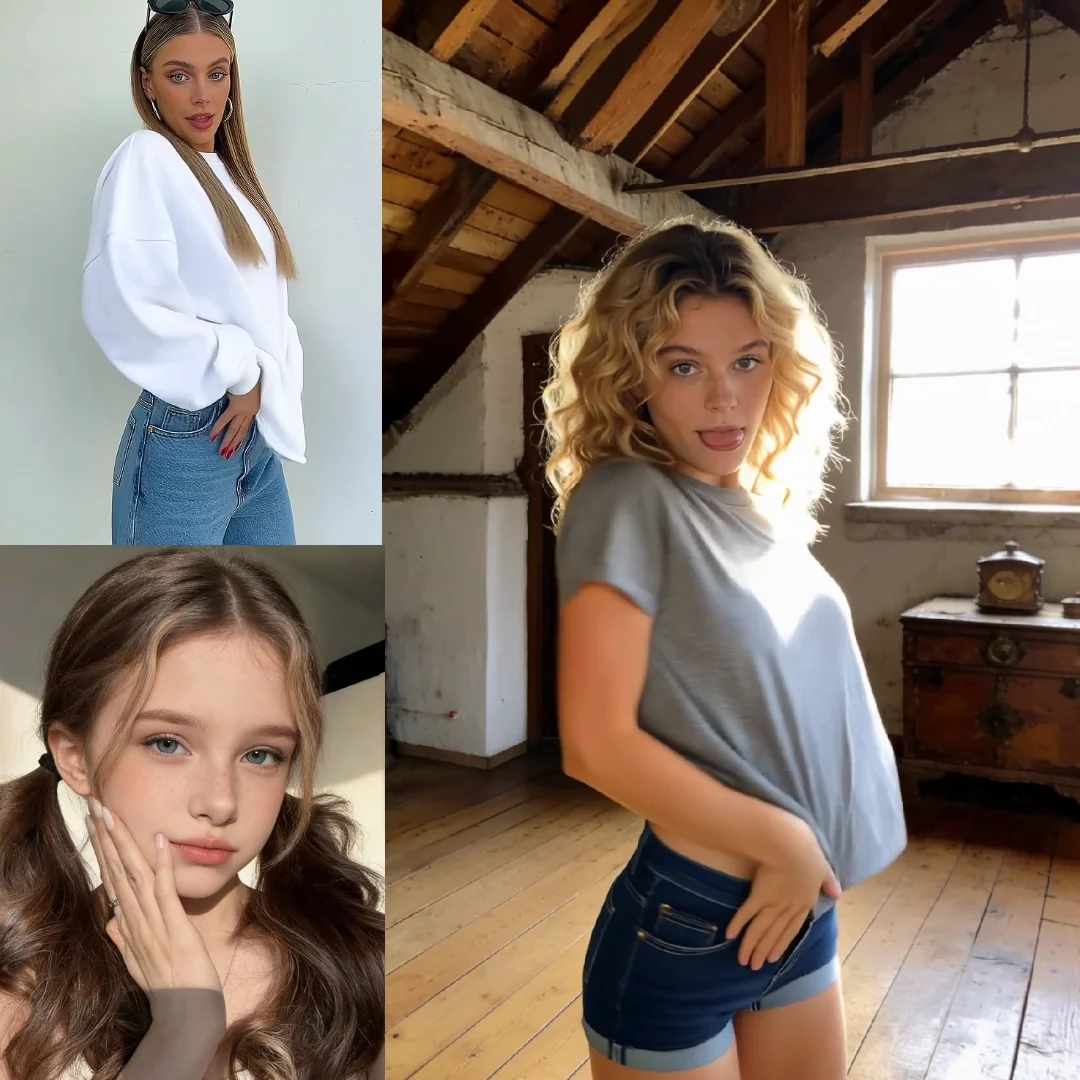
Left-to-Right Parallax
Preview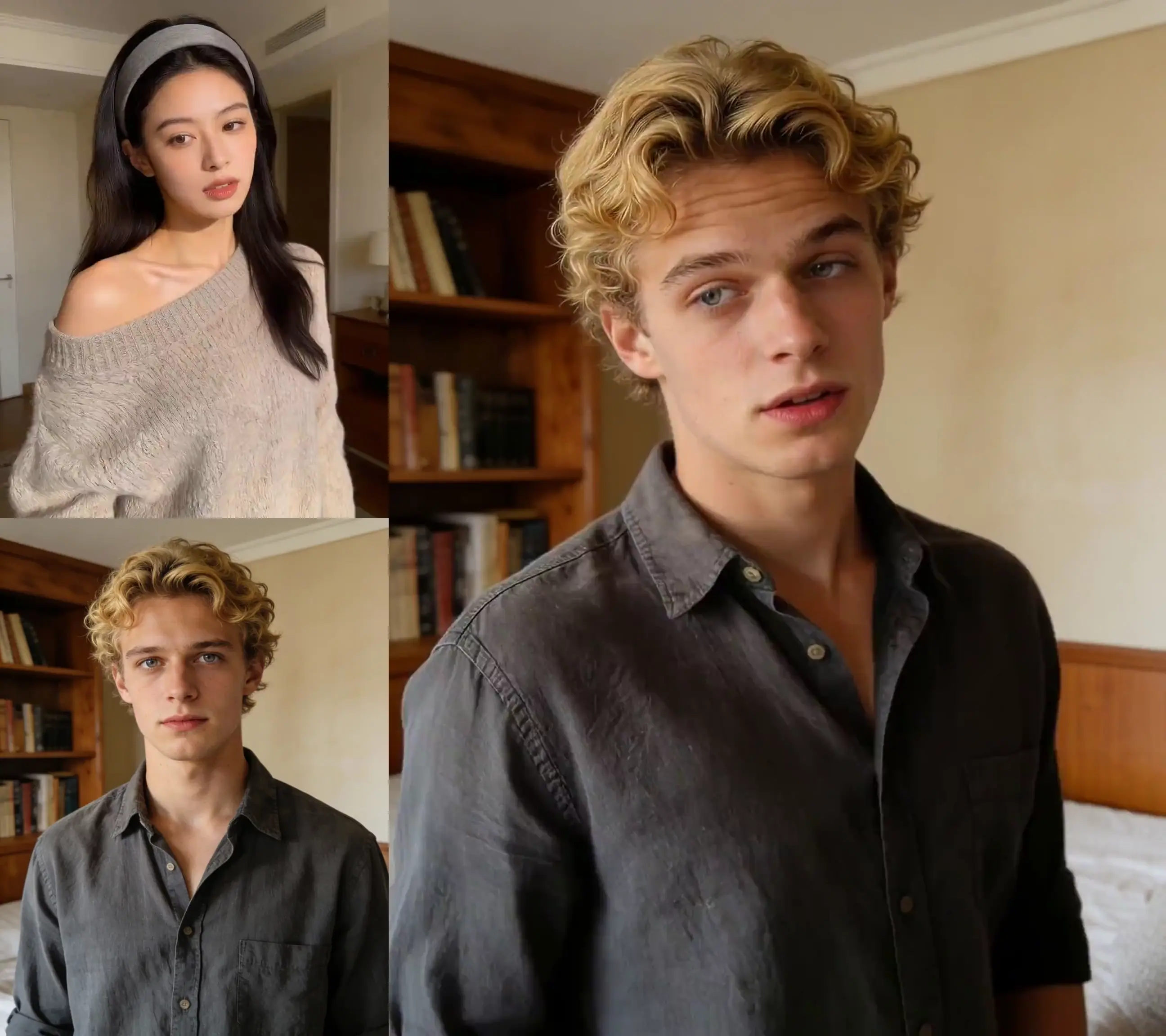
Hero Orbit
Preview
Rack-Focus Drift
Preview
Low-Angle Push
PreviewGo From Still to Kling Motion Control Shot in Three Steps
1. Upload Your Still Image
Start with any image — a photo, a 3D render, or a frame from a video. Kling analyzes the image and builds a virtual scene automatically.
2. Direct the Camera Motion
Type a Kling prompt (e.g. "slow dolly in") or pick a preset to define the camera motion, angle, and speed.
3. Export Your Motion Video
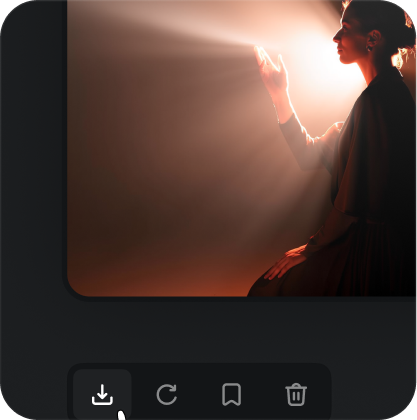
Preview the Kling camera motion in real time, then export a high-resolution video — a finished video ready up to 4K for your final edit.
Set up a shot Kling Motion Control can read.
A clean source makes every Kling camera motion feel intentional instead of warped.
- Leave room around the character so the camera has space to move
- Keep the character's key limbs and product edges in frame
- Give the character clear foreground and background separation
- Match the reference framing to your final video crop
- Pick a still where the character reads in a single glance
Motion readiness score
Watch a still become a directed Kling Motion Control camera motion.
In ninety seconds with Kling Motion Control: upload a character frame, pick a preset, adjust the framing, and export polished videos up to 4K.
Open the Kling Motion Control demoKling Motion Control for the Modern Filmmaker
Block Scenes in Minutes
Turn storyboards into animated character sequences with Kling to test camera angles, pacing, and motion in pre-vis videos before the shoot.
Create Impossible Shots
Animate album art or character stills with epic Kling camera motion — music videos with shots that would be impossible or too expensive on a live shoot.
Elevate Product Shots
Kling Motion Control generates smooth, professional camera motion for product videos, adding a high-end motion feel to your marketing videos.
Make Your Posts Move
Add eye-catching parallax and dolly motion to character stills for engaging social videos — short vertical videos up to 60 seconds that stop the scroll.
Total Kling Motion Control
Motion Preset Library
Start with a Kling library of classic camera moves. Apply dolly, crane, and orbit presets in a single click.
Keyframe Motion Control
Go beyond presets — add, edit, and remove keyframes to fine-tune camera motion, position, and FOV with full control over clips up to 60 seconds.
Camera Motion Path Editor
Visualize and edit the Kling path in a 3D view of the scene for precise motion control on every character shot.
Multi-Shot Motion Sequencing
Chain multiple Kling camera moves into one continuous video, up to 60 seconds, within a single scene.
4K Motion Export
Generate and export character videos in production-ready 4K resolution, with a single video up to 60 seconds.
Studio Motion API
Integrate Kling Motion Control into your studio pipeline to render character videos at scale, up to 4K.
Pick how Kling Motion Control should obey the scene.
Frame Lock
preserve the original composition while Kling adds depth
PortraitsCharacter Track
keep the character centered through a moving motion shot
ProductsFree Camera Motion
let the Kling path explore the virtual space across a longer video
Environment revealsHybrid Reveal
start locked, then open into a cinematic camera move
Music-video stillsThe Smart Way to Animate Motion
Shoot in Minutes, Not Hours
Kling Motion Control generates complex camera motion in less time than it takes to set up a single physical shot.
No 3D Modeling Required
Kling Motion Control builds a virtual scene from your 2D image, so you animate a character or product without any 3D assets.
Director-First Motion Prompts
Describe camera motion in natural filmmaking language and Kling understands your creative intent.
Predictable Motion Framing
Control camera motion with precision — what you see in the Kling Motion Control preview is the motion you get in the final video export.
Resolution Up to 4K
Export broadcast-quality videos straight into post-production. Kling Motion Control supports motion resolution up to 4K.
Built for Motion Teams
Share Kling Motion Control presets, manage motion projects, and collaborate with your whole team from pre-vis to final cut, on videos up to 4K.
Kling Motion Control Trusted by Professional Creatives
“Kling Motion Control has become my go-to motion tool for pre-vis. I create beautiful, organic camera motion in minutes with Kling, experiment with shot ideas, and communicate my vision to the director long before we get on set. The motion control is a total game-changer.”

Liam Carter
Cinematographer“With Kling Motion Control I can finally execute the ambitious, high-concept shots my budget would never allow. We animate album art and still photos with Kling camera motion that feels like a massive production. It is an incredible motion tool for indie music video directors.”
Jasmine Duke
Music Video Director“Kling Motion Control lets my team produce polished, cinematic camera motion for social and ad videos at unbelievable speed. We concept and execute in a single afternoon — Kling Motion Control completely bypasses the traditional 3D animation bottleneck. Absolutely essential.”

Kenji Tanaka
Creative Director, Axis Studios“We have integrated Kling Motion Control into our virtual production workflow. Generating realistic camera motion for our Unreal Engine environments saves our artists countless hours of manual keyframing. The motion is smooth and the motion control is surprisingly precise.”

Priya Sharma
Virtual Production Lead“Kling Motion Control is like storyboarding in 4D. I take my key frames and add real camera motion, creating animatics that sell the emotional arc of a scene far better than static panels ever could. My directors love the motion.”

Marco Bianchi
Storyboard Artist“As an indie director, my biggest constraint is budget. Kling Motion Control adds genuine production value to my projects — I create epic, sweeping camera motion from a single still that would require a crane and crew I simply do not have access to. The motion is liberating.”

Sofia Reyes
Indie DirectorKling Motion Control — Frequently Asked Questions
Kling Motion Control is a technology where AI interprets a 2D image to understand its depth and geometry. Kling Motion Control then lets you program a virtual camera that moves through the scene as if it were a real 3D environment. Point it at a character still and the camera travels around your character on a believable 3D path — full motion control without manual modeling.
Images with clear depth and distinct foreground/background elements give Kling the best results. High-resolution photos, 3D renders, and detailed character illustrations are all great starting points for cinematic character videos.
Yes. Kling Motion Control lets you adjust the virtual camera's focal length (FOV) to simulate different lenses, from wide-angle to telephoto, so you control perspective and motion in every video just like on a real camera.
Kling Motion Control creates nearly any standard camera motion — dolly, truck, crane, orbit, push-in, pull-out, and parallax motion. You can combine motion moves or build custom paths with the keyframe editor for complete creative control. Each camera move can travel around a character, a product, or a full environment.
Kling Motion Control exports video up to 4K (3840x2160) resolution in professional codecs like ProRes, so your generated videos integrate seamlessly into a high-quality post-production pipeline.
Yes. Every new Kling Motion Control user receives a free credit allocation on signup — enough to render several test videos of a character or product up to a few seconds long before committing to a plan.
It's simple: 1 credit equals 1 second of generated Kling Motion Control video at 1080p. Higher-resolution video may use more credits, and there are no subscriptions — just buy motion credit packs as you need them.
Absolutely. Every video generated with a paid Kling Motion Control plan comes with a full royalty-free commercial license — use the video in any project, from feature films to social videos, without restrictions.
Kling Motion Control is built for camera motion rather than character animation. Kling Motion Control can add subtle motion to environmental elements around a character, but it does not animate a character's body directly within the image.
Yes. The Enterprise plan includes full Kling Motion Control API access, so studios can integrate the motion control engine into their animation, VFX, or pre-visualization pipelines for automated motion shot generation.
Direct your first Kling Motion Control shot today.
Turn a single still into cinematic camera motion and export a finished video up to 4K — no rigs, no 3D modeling, just motion control.
Start Creating